
Getting more Google reviews without breaking the rules
More five-star reviews sound like an easy win — until an incentivized review or a filtered request form gets your Business Profile suspended. Here’s how to grow real, lasting reviews without tripping Google’s rules.
It’s tempting to treat review count as a numbers game: offer a discount for a five-star review, only send the request link to customers who seemed happy, or quietly ask staff to post a few. Each of those feels harmless in the moment — and each one is a direct violation of Google’s review policies. Get reported, and Google doesn’t just remove a review; it can wipe out years of accumulated reviews overnight and take your local ranking down with them.
The good news is that real, policy-safe review growth isn’t slower out of principle — it’s slower for the first few weeks, then compounds for years, because nothing you build is one report away from disappearing.

What Google Actually Prohibits
Google’s Business Profile guidelines are specific, not vague: no offering money, discounts, or freebies in exchange for a review, whether it’s positive or negative. No posting about your own business, and no reviews from employees or family members without disclosing the connection. No “review gating” — asking only customers you think are happy to leave a public review while quietly filtering everyone else into a private form. And no buying reviews or using a third-party service that generates them for you.
Enforcement isn’t theoretical. Google can delete individual reviews it flags as manipulated, and in more serious or repeated cases it can disable reviews entirely or suspend the whole Business Profile — the same profile carrying your existing reviews, photos, and map ranking. Rebuilding that from zero takes far longer than growing reviews properly would have in the first place.
What’s Allowed
- Asking every customer the same way, with no filtering based on how happy they seemed
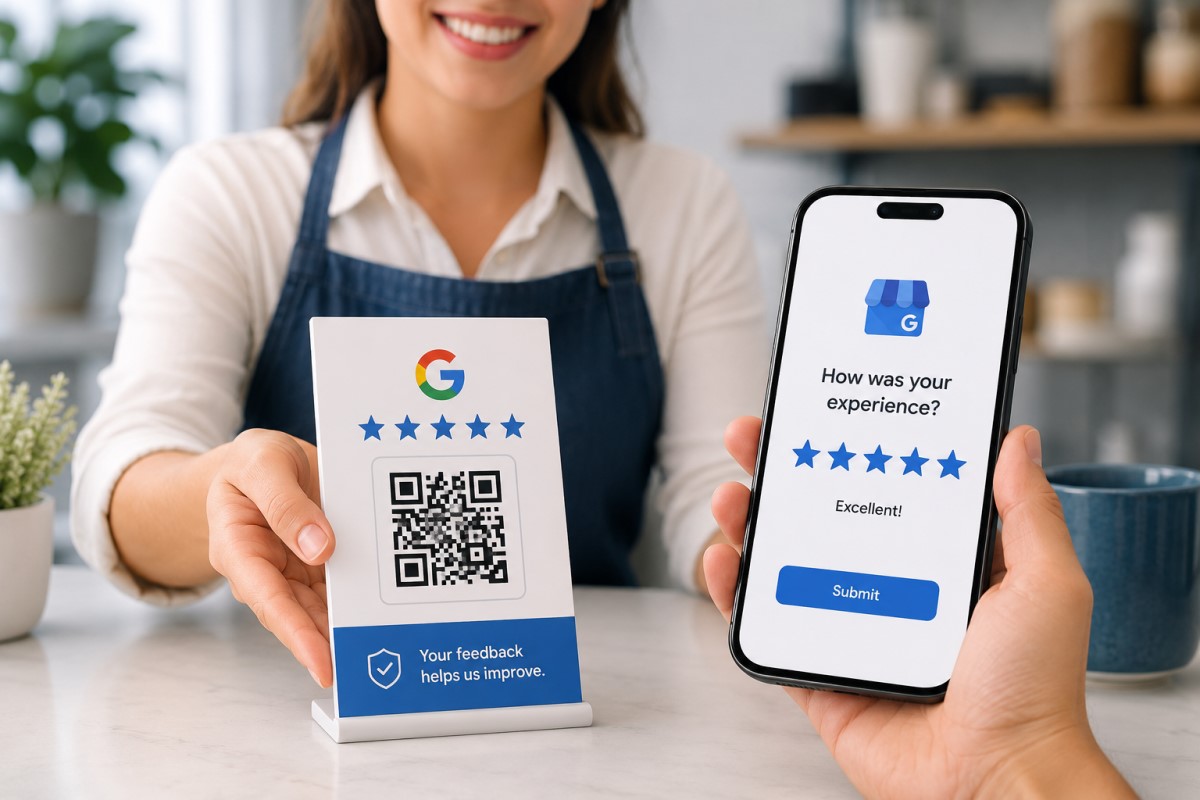
- Sending a direct Google review link or QR code right after a positive interaction
- Responding publicly to negative reviews professionally, without offering payment to change or remove them
- Using Google Business Profile’s own “request a review” link feature
- Running a separate, private feedback survey to catch problems early — without using it to decide who gets asked for a public review
What Gets You Suspended
- Offering a discount, gift card, or freebie in exchange for a review
- Only sending review requests to customers you pre-screened as satisfied
- Asking staff or family to post reviews for the business they work for
- Buying reviews or using a “review boosting” service
- Offering money or favors to get a negative review deleted
Google can suspend or permanently remove a Business Profile for review manipulation — erasing years of reviews, photos, and map visibility in a single decision, with no guarantee of getting it back.
Building a Review Engine That Doesn't Break the Rules
Four habits that reliably grow review count and rating, without ever touching a gray area.
Ask right after the moment your product or service delivered value — at checkout, right after a job is completed, or immediately after a support issue gets resolved well. Waiting days or bundling the ask into a generic monthly newsletter both tank response rates, and neither one has anything to do with filtering who gets asked.
Send the same direct Google review link or QR code to every customer, worded the same way, with no discount attached. A short verbal ask from staff (“we’d really appreciate a quick Google review”) followed by an SMS or email with the link performs better than any incentive — and it’s the version of asking that Google’s guidelines actually allow.
Respond publicly, promptly, and without defensiveness — acknowledge the issue and offer to make it right through a phone number or email, not through the review thread. Never offer money or a discount in exchange for editing or deleting a review; if a review violates Google’s policies (fake, off-topic, or posted by a competitor), flag it through Google Business Profile instead of contacting the reviewer directly.
Google Business Profile generates a short, shareable review link built specifically for this — use it on receipts, invoices, follow-up texts, and a QR code at the counter. It’s the lowest-friction way to ask, it’s explicitly sanctioned by Google, and it removes any temptation to route only certain customers toward it.
A Simple, Compliant Review Request Process
- Pick one consistent trigger moment — checkout, job completion, or ticket resolution — and ask every time, for every customer.
- Use Google Business Profile’s own review link or a QR code, so the request takes a customer under 30 seconds.
- Follow the verbal ask with one SMS or email reminder, sent the same day, worded identically for everyone.
- Respond to every review that comes in, positive or negative, within 48 hours.
- Route real complaints to a private support channel, separate from the public review ask — never as a filter before it.
- Review your process quarterly against Google’s current review policies, since enforcement details do shift over time.
Reviews You Don't Have to Look Over Your Shoulder For
Real reviews, asked for the right way, build a reputation that keeps compounding instead of one that can be erased by a single report. If you’re not sure whether your current review process is actually safe, that’s worth checking before Google checks it for you.